 Brief Your AI
Turn a Good Prompt into a Reusable AI Skill
How to turn one successful AI conversation into a workflow you and your colleagues can reuse.
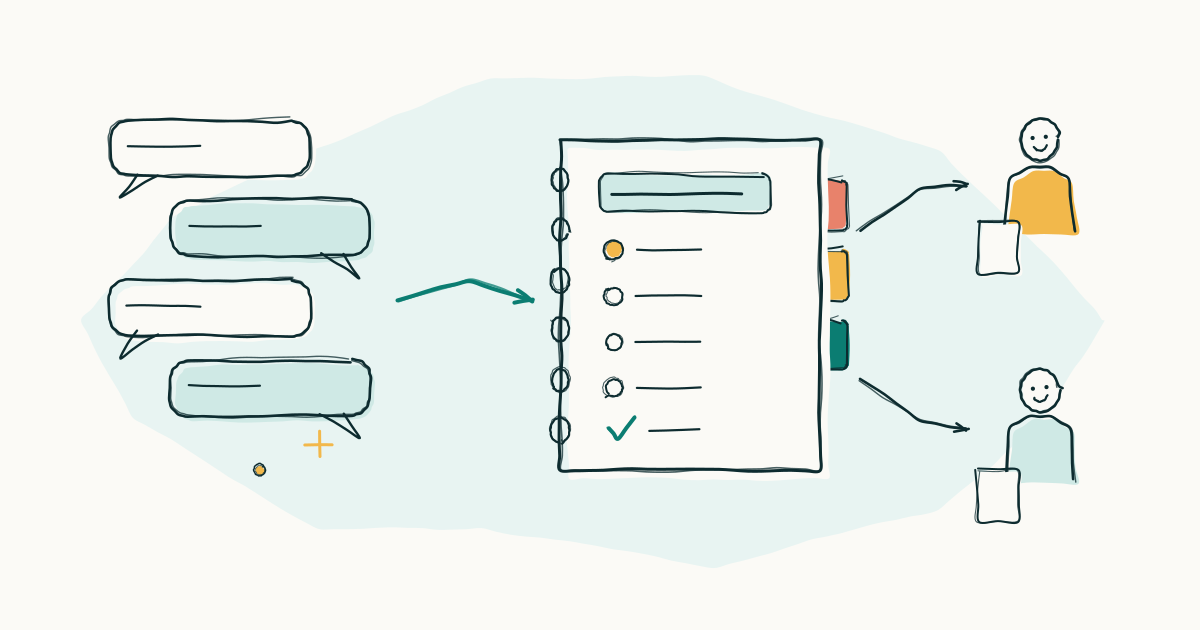
Imagine you need to write an email about a project delay. You type a simple request into ChatGPT or Claude, and the first answer isn’t quite right. So you explain the situation, ask for a different tone, cut it shorter, and remove a delivery date the AI made up. After a few rounds, you have a useful email.
A week later, another project needs a similar email. You remember that AI helped last time, but what exactly did you say? You dig through your chat history, copy a few lines, and start again.
This is one of the most common frustrations with AI. The result is easy to keep. The process that produced it is easy to lose.
What you'll get
| The result | A tested, written workflow for one task you repeat, ready to paste into any AI assistant or package as an Agent Skill |
| Level | Level 2: Assistant |
| Loop step you'll practice | Brief, made permanent: you write the brief once, then reuse it |
| Time | About 30 minutes, plus a few minutes per test |
Unlock the full tutorial
Buy once, keep it. No account needed: after paying you get an unlock code by email. Enter it here to read the rest.
The full tutorial
Get new tutorials by email
One email when a new tutorial is out. No spam, unsubscribe any time.
Almost done: check your inbox and click the link in the email to confirm.
That didn't work. Check the address and try again.
I only use your address to send new tutorials. Privacy